- ## Aimbot & Magic Bullet
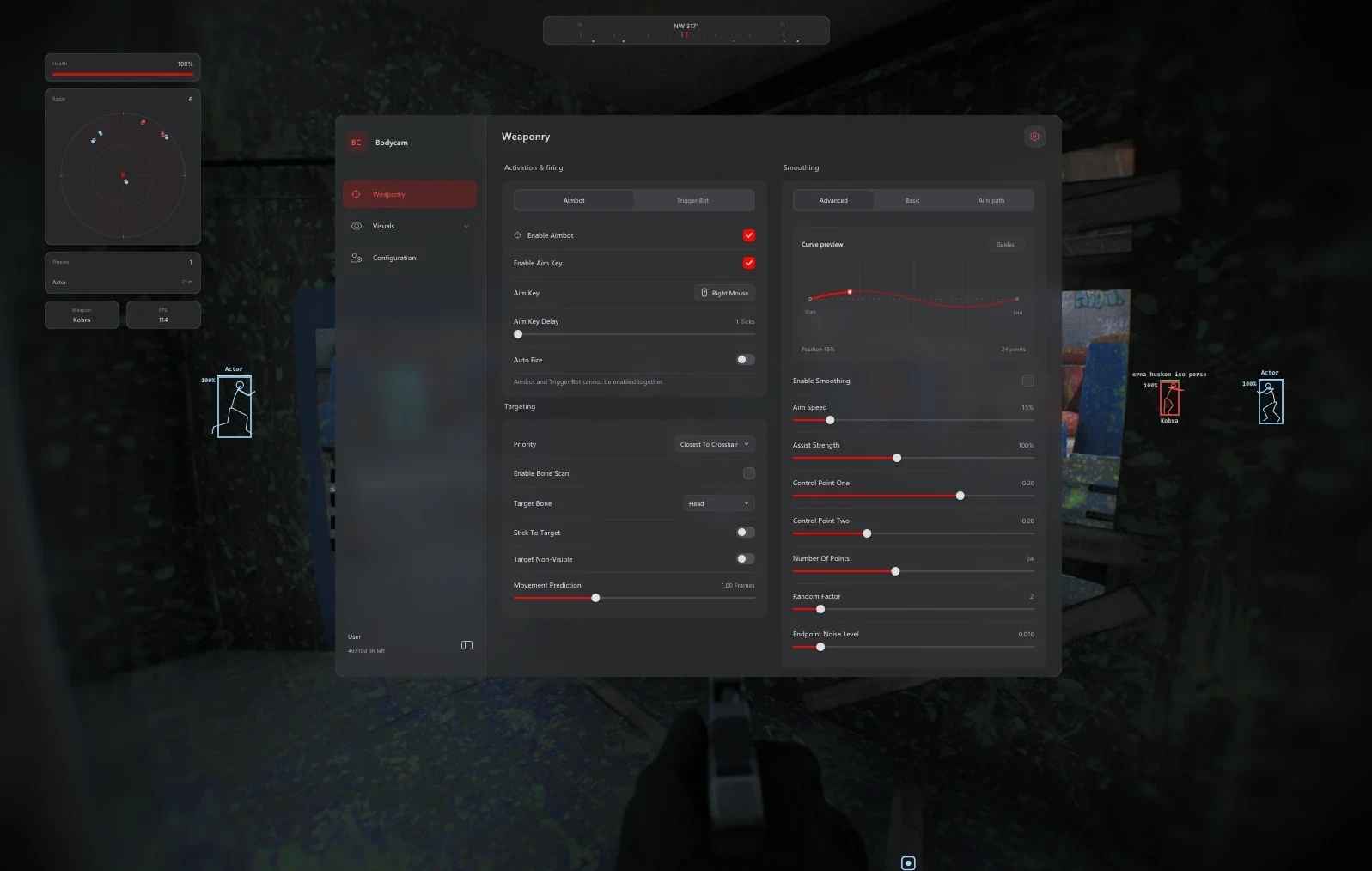
- - Configurable Aim Key
- - Aim-Key Delay: 1–50 Ticks
- - Auto Fire
- - Magic Bullet
- - Five Target-Priority Modes
- - Bone Scan
- - 22 Target-Bone Choices
- - Stick To Target
- - Target Non-Visible
- - Movement Prediction: 0–3 Frames
- ## Trigger Bot
- - Separate Trigger-Bot Mode
- - Optional Activation Key
- - Reaction Delay: 0–50 ms
- - Bone Scan & Target-Bone Selection
- - Radius Multiplier: 0.25–2x
- - Aimbot / Trigger-Bot Mode Switching
- ## Aim Smoothing
- - Smooth, Balanced & Aggressive Profiles
- - Basic Strength Control
- - Humanized Smoothing Option
- - Advanced Bezier Controls
- - Aim Speed & Assist Strength
- - Control Points & Curve Resolution
- - Random Factor & Endpoint Noise
- - Aim-Path & Assist-Point Visualizer
- - Path Colour & Fade Timing
- ## Player ESP & Chams
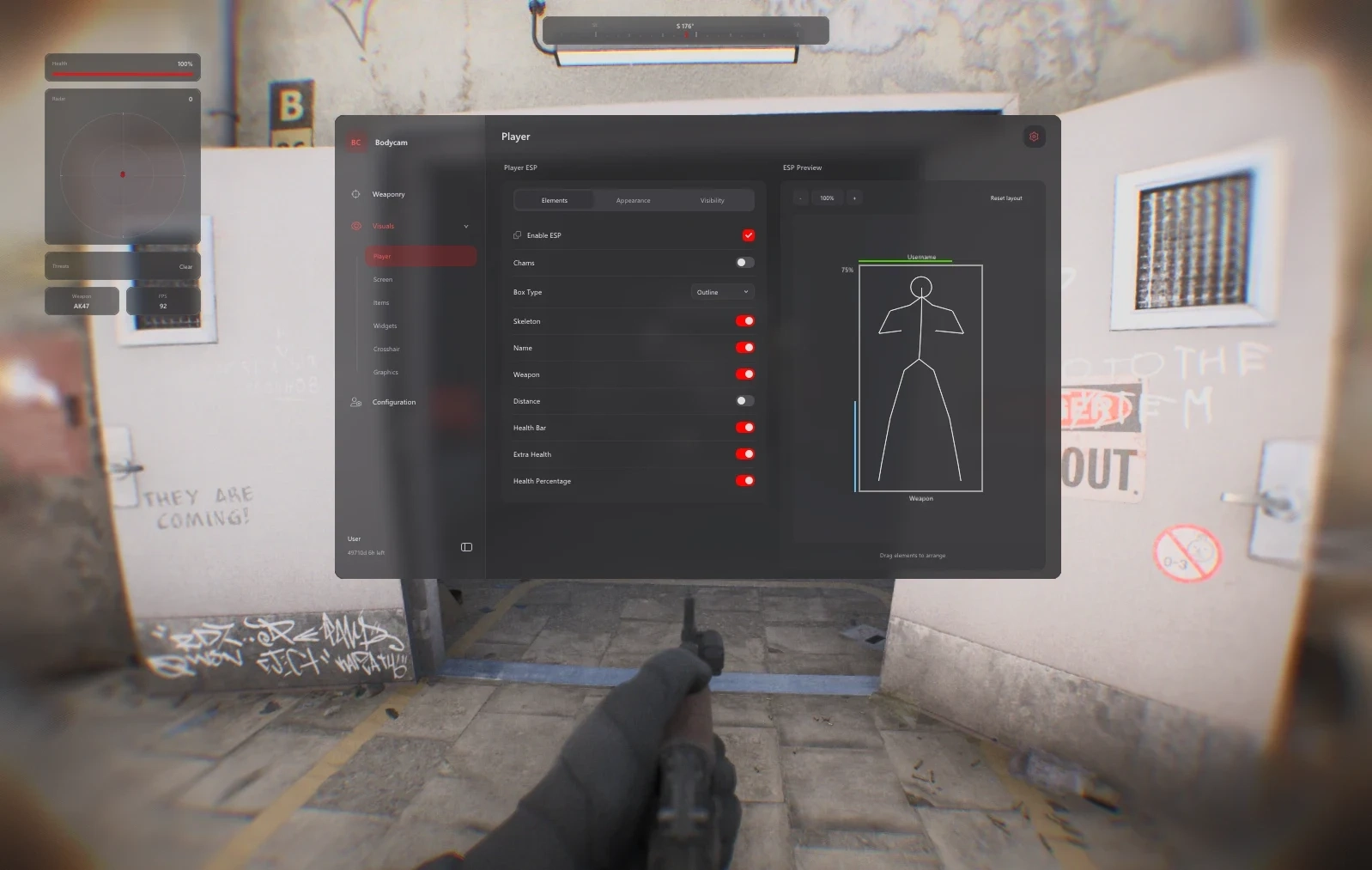
- - Player Names & Weapon Labels
- - Health Bars & Health Percentage
- - Skeleton & Distance Display
- - Outline, Corner & Filled Boxes
- - ESP Distance: Up to 300 m
- - Team, Enemy & Actor Filters
- - Ignore Non-Visible Filter
- - Friendly, Enemy & Visible Colours
- - Chams with Adjustable Glow
- - Font Size & Skeleton Smoothness
- - Drag-and-Drop ESP Layout
- - Zoomable ESP Preview
- ## Weapon & Drone ESP
- - Independent Weapon & Drone Toggles
- - Separate Maximum-Distance Controls
- - Weapon Name & Distance Labels
- - Drone Name & Distance Labels
- - 2D Outline Bounding Boxes
- - 3D Outline Bounding Boxes
- - 3D Filled Bounding Boxes
- - Separate Weapon & Drone Colours
- ## Screen Visuals
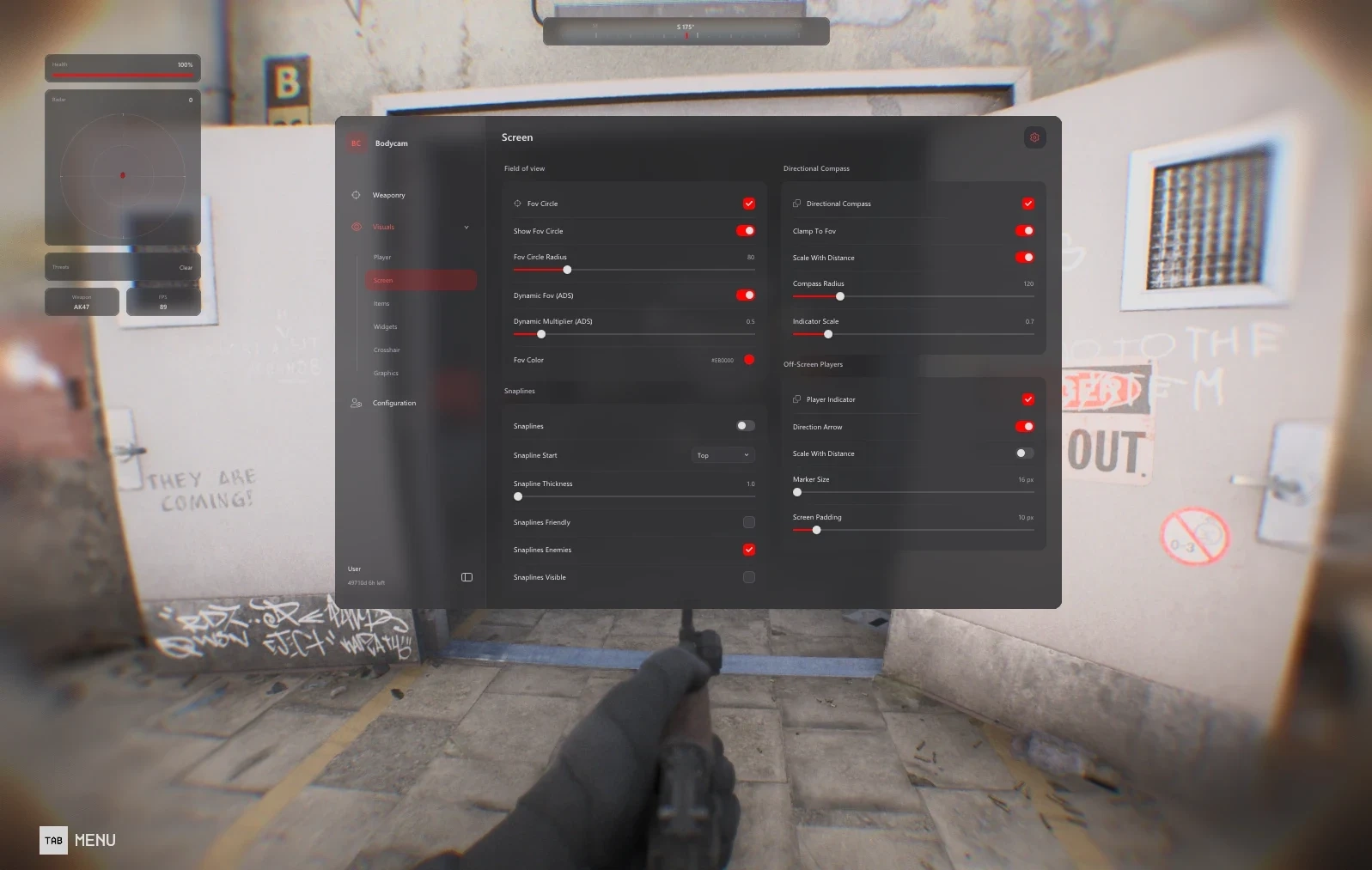
- - FOV Circle, Radius & Colour
- - Dynamic ADS FOV Multiplier
- - Snapline Start: Top, Centre or Bottom
- - Snapline Thickness & Team Filters
- - Directional Compass
- - Clamp To FOV
- - Distance-Scaled Indicators
- - Off-Screen Player Markers
- - Optional Direction Arrow
- - Marker Size & Screen Padding
- ## Radar & HUD Widgets
- - Radar Size, Scale & Blip Radius
- - Compass Bar with Player Markers
- - Compass Width & Viewing Range
- - Optional Team Markers
- - Healthbar Widget
- - Threat-Warning Widget
- - FPS & Weapon-Name Widgets
- - Automatic or Custom Widget Widths
- - Movable HUD Panels
- - Widget Opacity: 20–100%
- - Reset HUD Layout
- ## Graphics & Lighting
- - Enable Graphics Overrides
- - Disable Film Grain
- - Disable Chromatic Aberration
- - Disable Motion Blur
- - Disable Depth of Field
- - Fullbright & Brightness Controls
- - Custom Sun Colour
- - Restore Graphics Defaults
- ## Custom Crosshair
- - Ten Crosshair Presets
- - Gap, Length & Thickness
- - Rotation & Constant Rotation
- - Custom Crosshair Colour
- - Live Crosshair Preview
- - Preset Gallery & Manual Editing
- ## Configuration & Interface
- - Native Controller Support
- - Save Named Configurations
- - Load & Delete Saved Profiles
- - Paginated Config Browser
- - Menu Shortcut
- - Interface Size: 75–200%
- - Theme & Accent Colour
- - Interface Animation Timing
- - Menu Background Blur & Amount
- - HDR Display & SDR Brightness Controls
Toshi: Bodycam Cheat
In Stock
In Stock
Out of Stock